Image Optimization & Visual Guides
Three practical tracks—Image Optimization, Screenshot & Sharing, and Image Hosting—each paired with live browser tools you can test immediately.
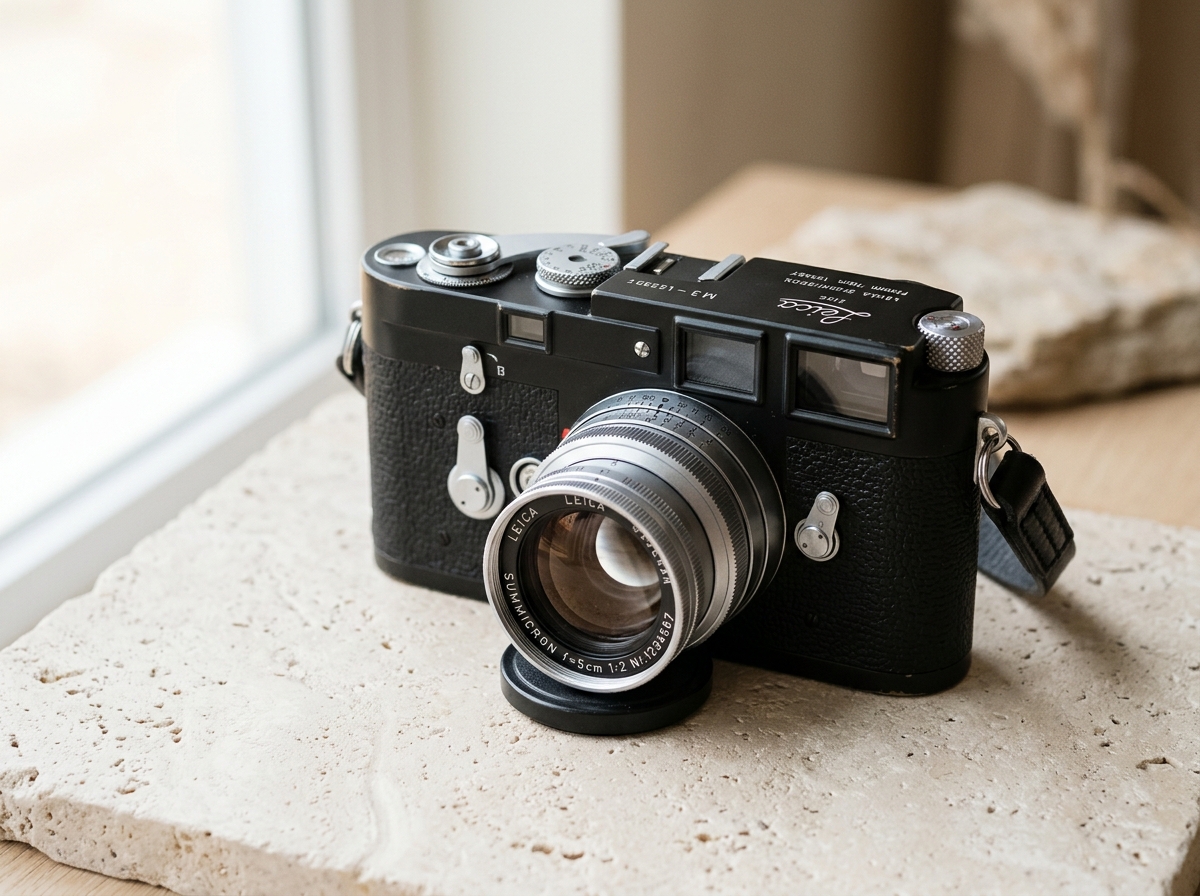
How to Reduce Image Size Under 100KB Without Losing Sharpness
Compress images strictly under 100KB directly in your browser. See live results on the camera test photo or upload your own file below.
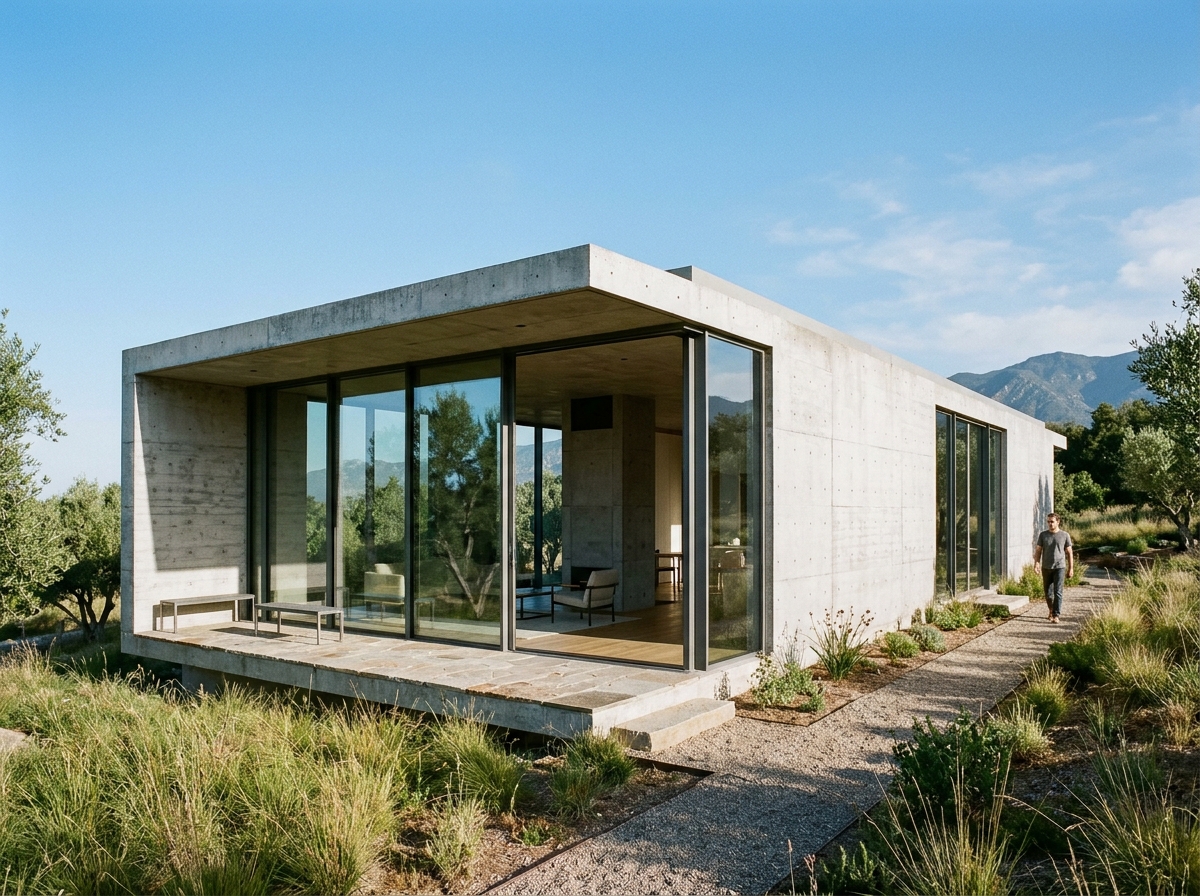
JPG vs WebP Compared: File Size, Visual Quality & Browser Support
Compare JPG, WebP, and PNG side by side on the architectural cover photograph directly in your browser, with 1:1 visual inspection and instant export.
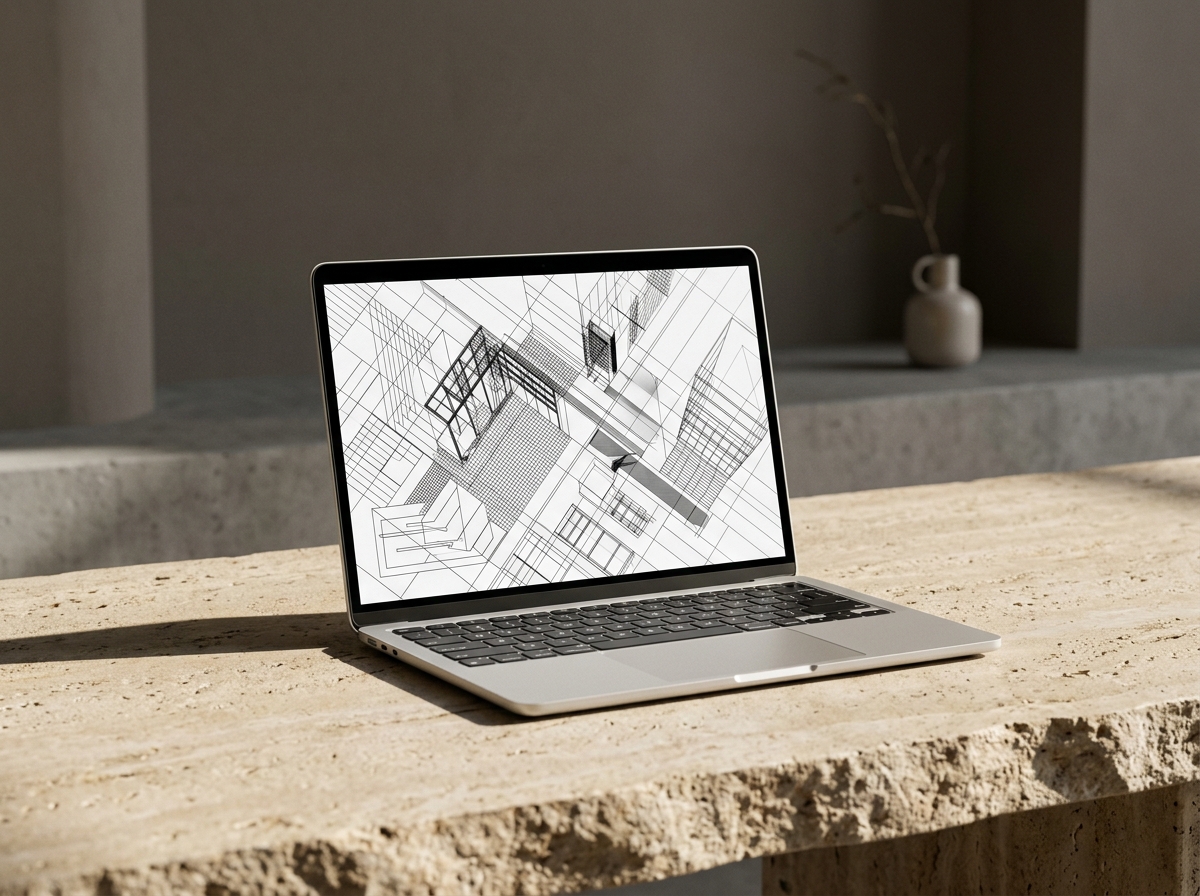
Screenshot Markup & Visual Sharing: From Raw Capture to Clean Link
Turn cluttered desktop screenshots into framed, redacted, lightweight visuals with OOIMG Studio and get ready for the upcoming OOIMG Desktop workflow.
Controlled Image Hosting & BYOS: Fast Markdown Links Without Lock-In
Optimize images before upload, choose between OOIMG Managed Host and Bring Your Own Storage (R2 / S3), and generate clean Markdown or HTML embeds.
Best Image Format & Dimensions for Core Web Vitals
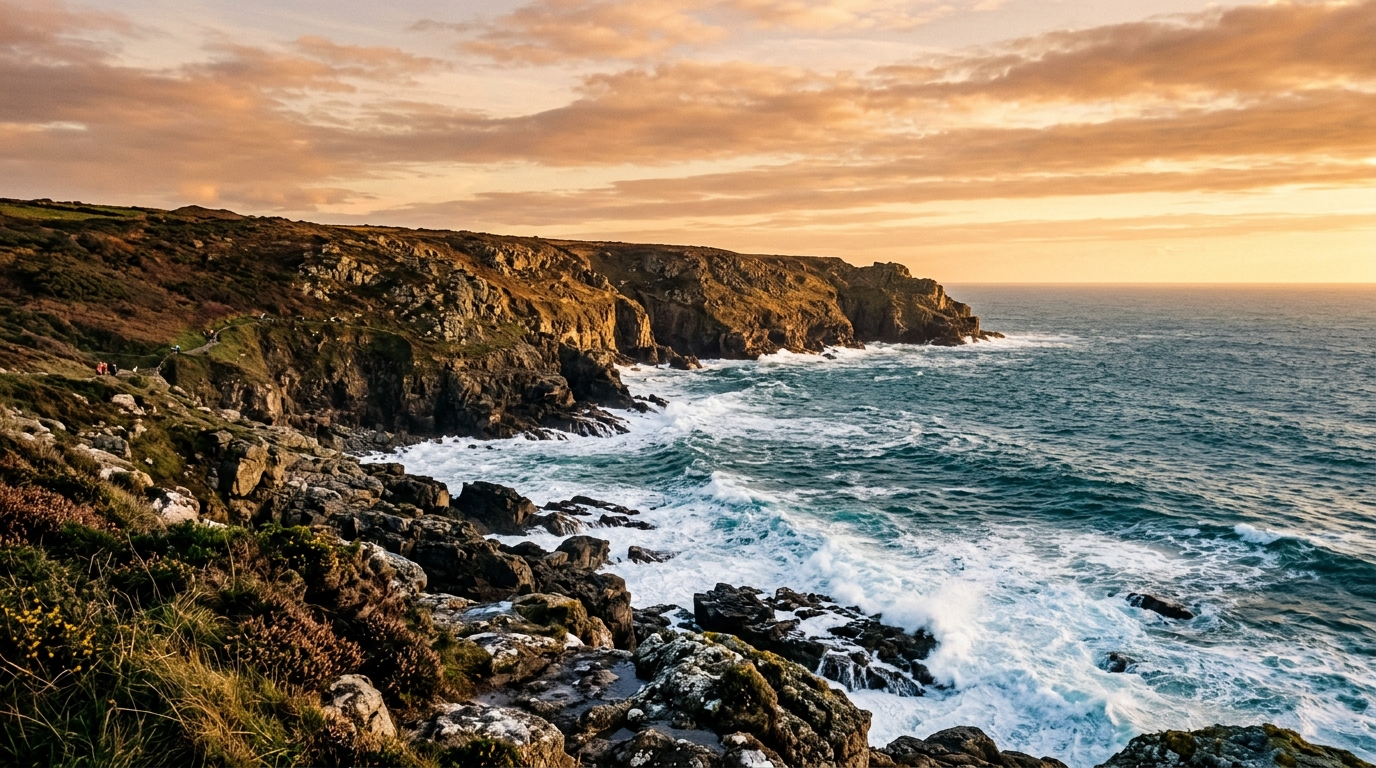
Test real width scaling (1920px vs 1280px vs 800px) and WebP encoding on the coastal cover photograph directly in your browser.