Controlled Image Hosting & BYOS: Fast Markdown Links Without Lock-In
An image host is only half of the speed equation. Uploading unoptimized multi-megabyte screenshots straight to a CDN still stalls readers on mobile connections and bloats your storage bills. Optimize locally first, then push to either managed OOIMG Host or your own bucket.
INTERACTIVE HOSTING & BYOS SNIPPET BUILDER
Preview CDN Markdown output & payload difference before hosting
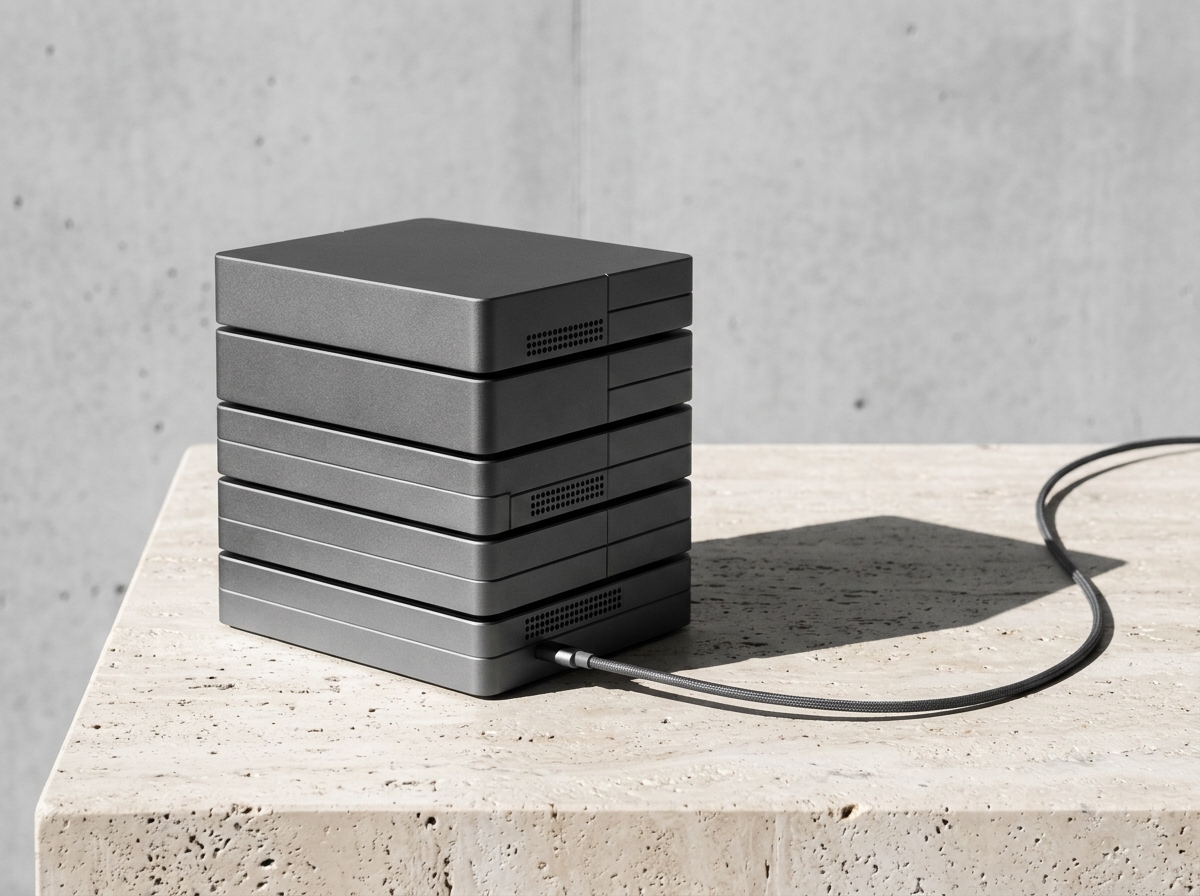
Toggle between OOIMG Managed Host and your own Cloudflare R2 / S3 custom domain, measure optimized image weight on this cover photo, and copy clean Markdown or <picture> code.

<picture>
  <source srcset="https://img.example.com/shots/storage-stack.webp" type="image/webp" />
  <img src="https://img.example.com/shots/storage-stack.jpg" alt="Architecture screenshot after WebP optimization" width="1200" height="900" loading="lazy" />
</picture>
1. Optimize weight locally before generating any share URL
Every kilobyte shaved off an image before it leaves your machine reduces origin bandwidth and speeds up CDN cache fill. Running WebP conversion or 100KB compression client-side keeps sensitive pre-release assets private until the moment you publish.
2. Managed OOIMG Host vs Bring Your Own Storage (BYOS)
For rapid sharing into tickets, changelogs, and temporary reviews, zero-config managed links with automatic clipboard Markdown copy remove friction.
For engineering docs, personal blogs, and compliance-sensitive assets, connecting your own Cloudflare R2, AWS S3-compatible bucket, or WebDAV server under a custom domain guarantees full ownership with zero vendor lock-in.
3. Keep alt text and fallback markup readable
Descriptive alt text improves accessibility and image search indexing, while width/height attributes prevent layout shift (CLS) when embedded in technical articles or static sites.
Continue in the full workspace
Zero uploads for local tools, or switch seamlessly to Screenshot Studio and Cloud.