Private, instant image tools in your browser
Compress images to exact KB limits, convert JPG, PNG, and WebP, resize, and crop locally. Your files never leave your device.
Drop your images here
JPG, PNG, WebP · Up to 20 files at once · Or paste with Ctrl+V
OOIMG PLATFORM · CAPTURE. EDIT. SHARE.
Beyond image tools: a simple workspace for screenshots and visual sharing
Keep OOIMG Web for instant browser compression and conversion, and meet OOIMG Desktop (macOS · Coming soon) for region capture, quick markup, auto-optimization, and one-click link sharing.
Zero-upload browser toolkit
Instant target-KB compression, WebP conversion, resizing, and cropping right in your browser.
macOS capture, markup & share
Shortcuts for region capture, arrows, blur, auto-compression, and instant clipboard link copy.
Managed host or your own bucket
Use OOIMG Host out of the box, or connect your own Cloudflare R2, S3, or WebDAV storage.
Focused tools for everyday image tasks
Jump directly to a dedicated, pre-configured workspace for your task.
Compression
Hit strict portal file-size limits or trim web payloads.
Reduce JPG, PNG, and WebP file sizes directly in your browser. Tune encoding quality visually with zero server uploads.
Automatically optimize JPG, PNG, or WebP images to fit strictly under 100KB for job portals, visa forms, and fast web pages.
Fit product photos, blog banners, and application attachments cleanly under 200KB while preserving fine texture and detail.
Format Conversion
Switch between JPG, PNG, and modern WebP cleanly.
Convert JPEG photographs into modern WebP files for 25–35% smaller web payloads with crisp visual quality.
Turn heavy PNG screenshots and photos into lightweight JPG files with customizable solid background fill for transparent areas.
Decode WebP images into universally compatible lossless PNG files while preserving alpha transparency.
Convert JPEG images to lossless PNG format in your browser for pixel-accurate editing, documentation, and lossless archival.
Resize & Crop
Frame exact dimensions, aspect ratios, and rotations.
Private by default
All decoding, resizing, and re-encoding run directly inside your browser’s Canvas engine. Documents, IDs, and unreleased photos stay on your machine.
Target file size search
Need an image strictly under 100KB or 200KB? OOIMG binary-searches encoding quality and scales dimensions smoothly when needed so clarity stays high.
No signup, no waiting
Process single images or batches up to 20 files with instant before/after split comparison and one-click ZIP export—no accounts or server queues.
Image optimization guides
Practical notes on formats, Core Web Vitals, and fitting strict file-size limits.
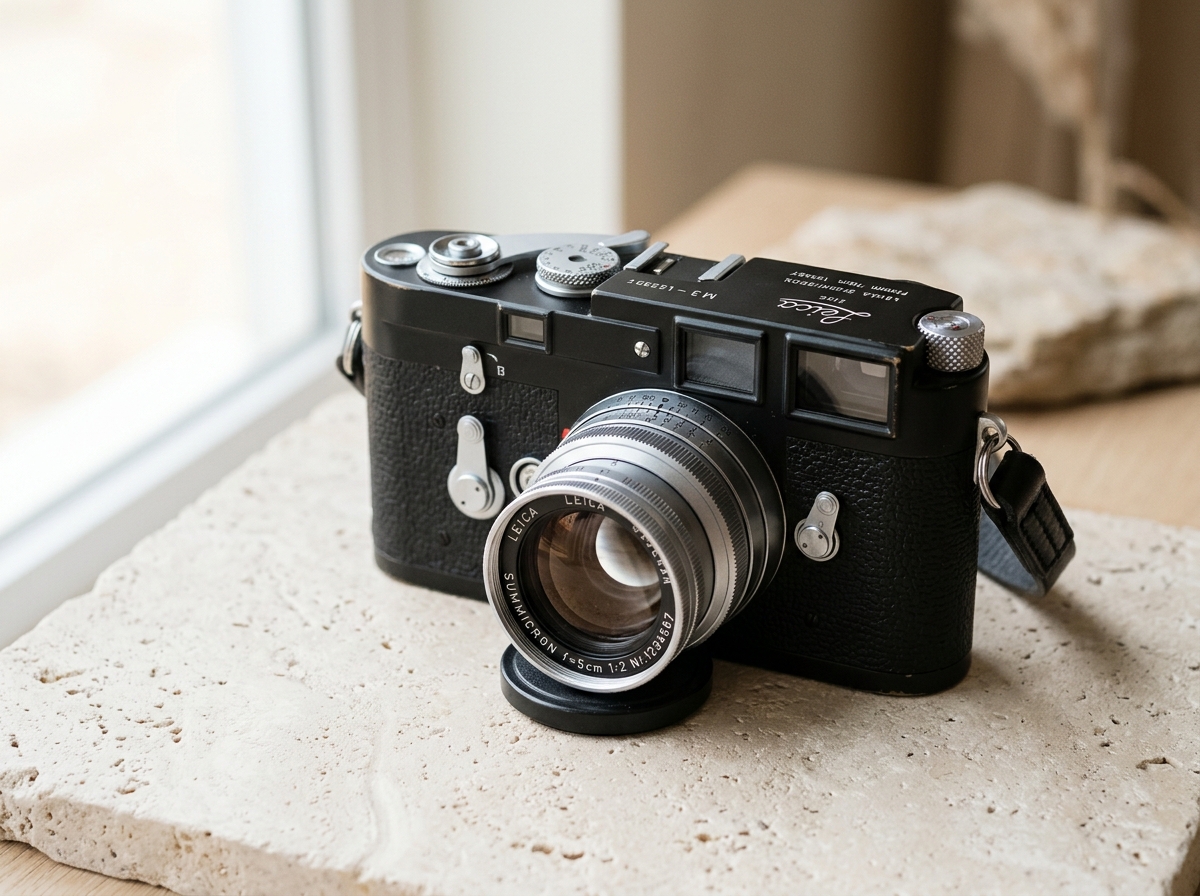
How to Reduce Image Size Under 100KB Without Losing Sharpness
Compress images strictly under 100KB directly in your browser. See live results on the camera test photo or upload your own file below.
Screenshot Markup & Visual Sharing: From Raw Capture to Clean Link
Turn cluttered desktop screenshots into framed, redacted, lightweight visuals with OOIMG Studio and get ready for the upcoming OOIMG Desktop workflow.
Controlled Image Hosting & BYOS: Fast Markdown Links Without Lock-In
Optimize images before upload, choose between OOIMG Managed Host and Bring Your Own Storage (R2 / S3), and generate clean Markdown or HTML embeds.